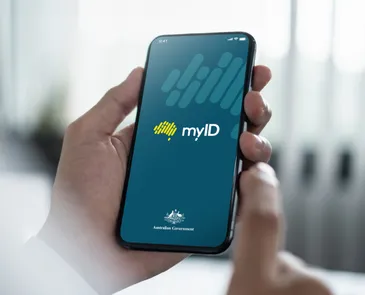
myID & myGov: A More Secure Login
With ever increasing incidents of cyber security threats and identity theft, it is vital to take appropriate steps to ensure your myGov account is protected.
Using the Australian Government’s free Digital ID app - myID - is a safe and secure way to verify your identity when signing in and only takes a few minutes to set up.

Step 1
Set up your myID
- Download the myID app from the App Store or Google Play and open it
- Enter your email address and confirm the one-time code sent to it
- Set a device passcode, or turn on face/fingerprint sign in for the app
- Add ID documents (driver's licence, passport, Medicare card) to raise your identity strength level

Step 2
Link myID to myGov
- Sign in to myGov at my.gov.au and open Account settings under My Account
- Choose Sign in settings and select the option to connect to Digital ID
- Approve the linking request inside the myID app when prompted
- Check your myGov account settings to confirm the link is now active - it should state Your Digital ID is connected

Step 3
Turn off your myGov password
- Confirm you can sign in successfully with the myID app
- When successful, within your MyGov account, go to Account settings and open Sign in settings
- Click on the Manage option next to Password and turn off password sign in, leaving Digital ID (the myID app) as the only sign in method
- It should now state Your password is currently turned off
- This removes the risk of password-based attacks such as phishing and credential stuffing
For further information, download the ATO publication Secure your sign in with myID